Meetups, organized easily
Plan a memorable Meet Up with less stress. FreeInviteLinks helps you create beautiful invitations and manage every detail effortlessly.
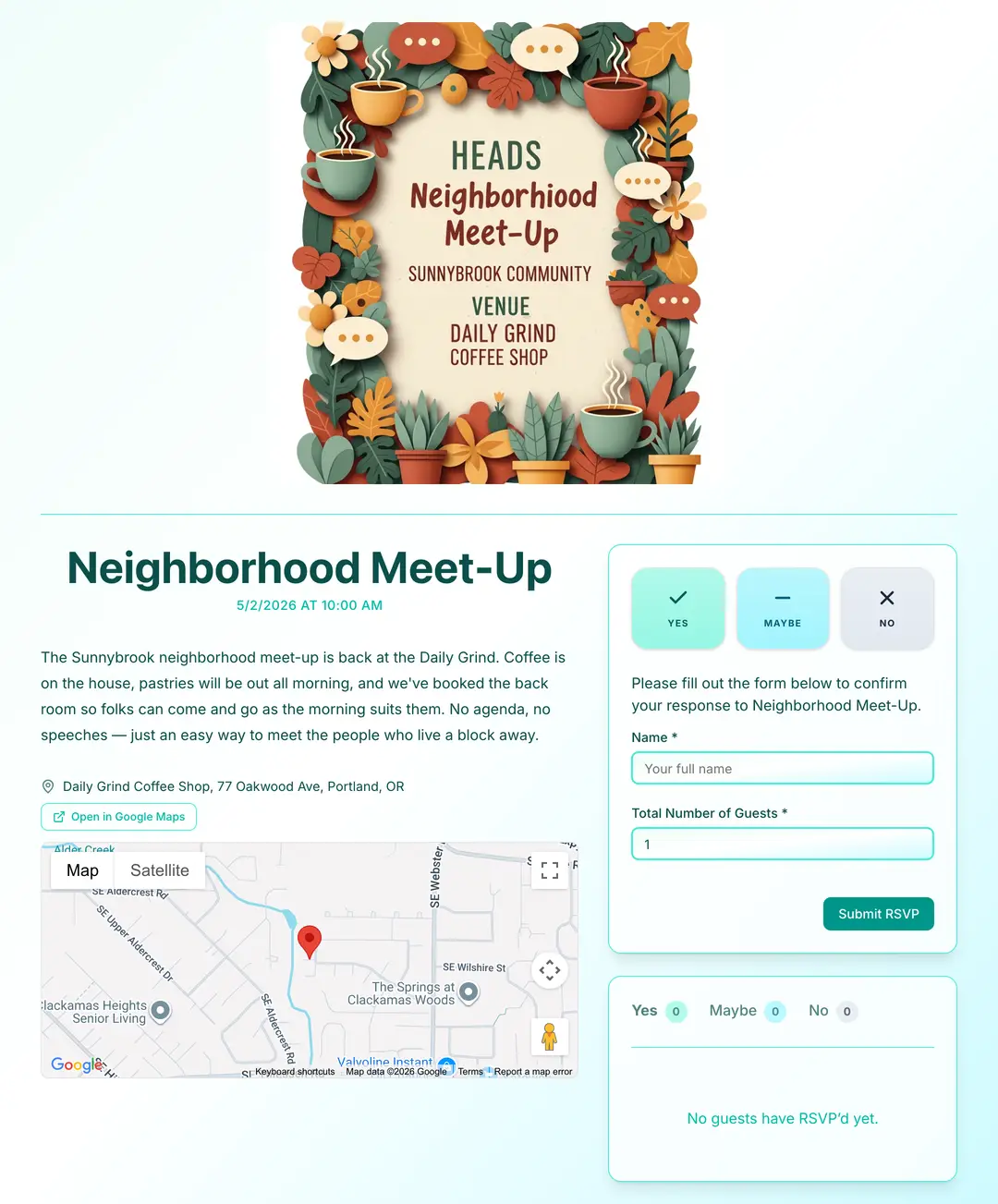
From blank page to shareable RSVP link in 4 steps
No design skills. No downloads. Just a clean, mobile-friendly Meet Up page your guests will actually RSVP to.
Build Your Event Page
Add your Meet Up essentials fast: title, date, event details, location, and a standout cover image.
Choose Your Color Theme
Pick a theme for your Meet Up page and dial in the look with clean, modern styling.
Edit Your RSVP Settings
Personalize the RSVP form fields and settings to match your Meet Up and share it anywhere with the custom link.
Track RSVPs in Real Time
Guests respond from any device while you monitor attendance instantly on your Meet Up dashboard.
Thousands of hosts already ditched the spreadsheet
Stop chasing replies over text. Your Meet Up guest list, organized automatically.
Frequently asked questions
How far in advance should meetup invitations be sent?
1–2 weeks for casual recurring meetups. For one-off events or larger community gatherings, 3–4 weeks gives people enough notice to plan around their schedules.
What should a meetup RSVP collect?
Attendance and any dietary restrictions if food is involved. For professional meetups, adding a company or role field helps organizers understand who is attending and facilitates networking.
How do I manage RSVPs for a recurring meetup?
Create a new FreeInviteLinks event for each meetup session so you always have an accurate headcount. Sharing the new link via the same channels each time keeps the process consistent.
Your Meet Up deserves better than a group text
Build a beautiful Meet Up page in minutes, share one link, and watch RSVPs land in real-time. No app for you or your guests.
Planning a different event?
FreeInviteLinks works for every kind of gathering. See how it handles your event from invites to RSVPs.